New AI tools from Google
10. May 2024
Google plant die Einführung von neuen fortschrittlichen KI-Tools. Dieses wird in Chromes Adressleiste integriert. Nutzer können durch Eingabe von „@gemini“, gefolgt von ihrer Anfrage, sofort KI-generierte Antworten erhalten. Diese revolutionäre Funktion, derzeit in der Testphase und nur in den Canary-Builds von Chrome verfügbar, ist speziell für Full-Service Agenturen im Online-Marketing-Bereich von großer Bedeutung.
In diesem Blogbeitrag werden wir tiefer in die innovativen Funktionen von Gemini eintauchen, darunter auch eine neue Methode zur Zusammenfassung von YouTube-Videos, die Ihre Art, Informationen zu sammeln und zu teilen, verändern wird.Um Gemini so zu nutzen, müssen Sie zurzeit noch bei den Einstellungen Ihres Browsers die Option aktivieren, aber das ist kinderleicht gemacht:
How to enable Gemini in Chrome:
1. Enter “chrome://flags” in the address bar.
2. Search for “Starter Pack”
3. Activate the two options that appear.In this blog post, we will take a closer look at Gemini's innovative features, including a new method for summarizing YouTube videos. This could bring about a change in how information is gathered and shared.
Instant access to Gemini in Chrome
The new AI tools
Using Gemini is very straightforward. Simply type ‘@gemini’ followed by your command into Chrome’s address bar, and the tool will activate instantly, providing a direct response. This seamless integration is perfect for marketers and online marketing agencies who need quick answers without interrupting their workflow.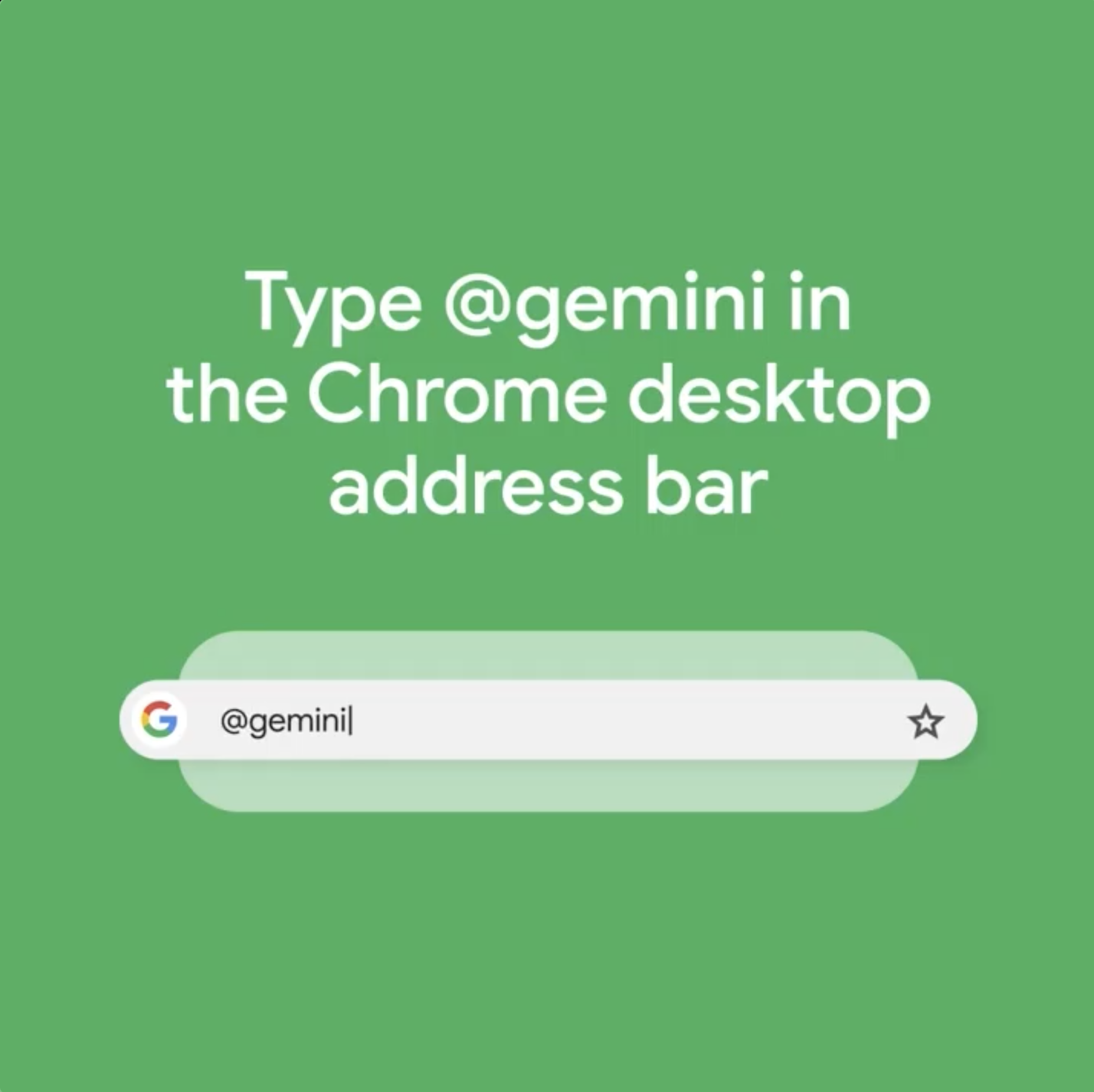
Theme generator
Adaptation is crucial in marketing. Gemini's Theme Generator allows you to quickly create themes based on selected topics, moods, visual styles, and colors:
1. Open the “Customize Chrome” sidebar.
2. Click on “Change theme,” then on “Create with AI.”
This feature simplifies maintaining brand consistency or testing new campaign aesthetics without requiring advanced design skills.
Tab organizer
Keep your browser organized and your mind clear. Gemini's Tab Organizer suggests and creates groups for your open tabs:
1. Right-click on a tab.
2. Select “Organize similar tabs” or use the arrow to the left of your tabs.
Ideal for marketers juggling multiple campaigns, this feature improves productivity by reducing clutter.
Writing assistant
Create compelling content directly in your browser with Gemini's writing assistant:
1. Right-click on any text field.
2. Select “Help me write.”
This tool supports your content creation with suggestions for clear, appealing, and grammatically correct writing to ensure a professional online image.
Video summarization tool
Gemini can also summarize YouTube video content, a feature that is particularly useful for content marketers and social media managers:
1. Copy the URL of the YouTube video.
2. Enter “@” in the address bar and select “Chat with Gemini.”
3. Write “Summarize this video: [insert URL].”
In seconds, you'll receive a concise summary, ideal for content creators or for answering questions about the video.
Conclusion
With the integration of Gemini, Google Chrome is more than just a browser.By using these new features, marketers can save time, boost productivity, and enhance their online strategies, making Gemini an essential part of their digital toolkit.
Would you like more information about any of these features or have specific questions about integrating AI into your marketing workflow? Let us know how we can help you take advantage of these powerful tools!
Our blog
Latest news
With our blog, you are always close to our work, our current projects and the latest trends and developments in web and print.





Any questions?